
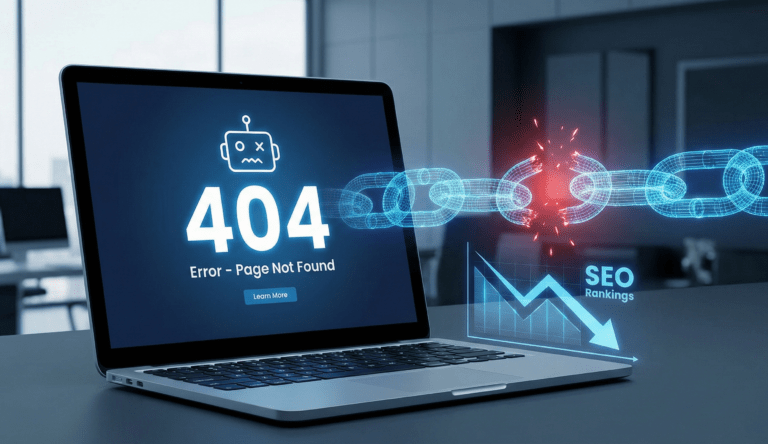
Have you ever clicked on a search result only to see a “Page Not Found” screen? That is a 404 error. While it might seem like a minor annoyance, leaving broken links on your website is one of the fastest ways to lose Google rankings and frustrate potential customers.
A healthy website needs constant maintenance. If search engines encounter dead ends while crawling your site, they assume the content is outdated or neglected.
Why Broken Links Hurt Your Rankings
When Googlebot crawls your website, it follows links like a roadmap. If it hits a broken link, the journey stops. This “dead end” signals to Google that your site is difficult to navigate.
More importantly, it ruins User Experience (UX). If a user clicks a link and finds nothing, they usually bounce back to the search results immediately. High bounce rates tell Google your site is not valuable, pushing your rankings down.
Common Causes of 404 Errors
How do these errors happen? Usually, it is not a technical failure but a human error.
Deleted Pages: You removed an old service or blog post but forgot to remove the links pointing to it.
URL Changes: You changed a URL from
/servicesto/our-serviceswithout setting up a redirect.Typos: You or another website linked to you with a spelling mistake in the URL.
How to Find and Fix Them
You do not need to check every page manually. Here is the professional workflow:
Scan Your Site: Use a free tool like Google Search Console or a plugin like Broken Link Checker.
Set Up 301 Redirects: Never leave a 404 page unresolved. If you moved a page, set up a “301 Redirect” to point the old URL to the new one.
Create a Custom 404 Page: If a user does land on an error page, make sure it has a search bar and a link back to the homepage so they don’t leave.
Conclusion
A clean site is a high-ranking site. Fixing these errors is a “quick win” that can immediately improve your site health.
🚀 Need a Site Health Check? Don’t let errors cost you customers. Contact us for a comprehensive audit to find and fix hidden SEO issues.