
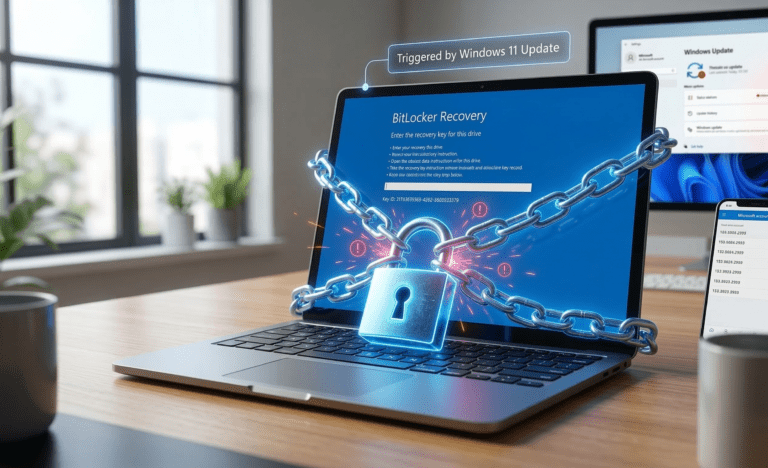
Have you recently restarted your computer only to find that a Windows 11 update triggers a BitLocker recovery screen? This terrifying blue screen asks for a 48-digit password to unlock your drive. This issue peaked recently with cumulative updates for Windows 11 versions 24H2 and 25H2, specifically affecting Intel-based PCs using Modern Standby. Do not panic; your data is safe, and you can easily bypass this prompt.
Why Updates Cause the BitLocker Recovery Screen
BitLocker is a security feature that encrypts your hard drive to prevent unauthorized access. When a Windows update makes significant changes to the system firmware, boot manager, or Secure Boot settings, BitLocker suspects a security breach and locks the drive. Starting with Windows 11 24H2, Microsoft enables device encryption by default, meaning many users do not even realize it is active until they are completely locked out.
How to Find Your 48-Digit Key
To bypass the lock, you must enter your unique recovery key. Because BitLocker is turned on by default on modern devices, Windows automatically backs up this key to your connected cloud account.
Grab your smartphone or another computer.
Open a web browser and go to the official Microsoft Recovery Key page.
Log in with the exact Microsoft account you use on the locked PC.
You will see a list of your devices. Find the key that matches the “Key ID” displayed on your locked computer.
Type the 48-digit number into your PC and press Enter.
Install the Permanent Patch
Once you are back in Windows and safely past the BitLocker recovery screen, you need to prevent this from happening again. Microsoft has released cumulative patches (like KB5072033) that fix the underlying boot manager bug. Go to Settings > Windows Update and install the latest available patches to permanently resolve the system error.